AVIF Images: Cut Your Bandwidth in Half
AVIF images are 50% smaller than WebP and 90% smaller than JPEG at equivalent quality. Here's how to implement AVIF-first image serving for faster pages and lower hosting costs.
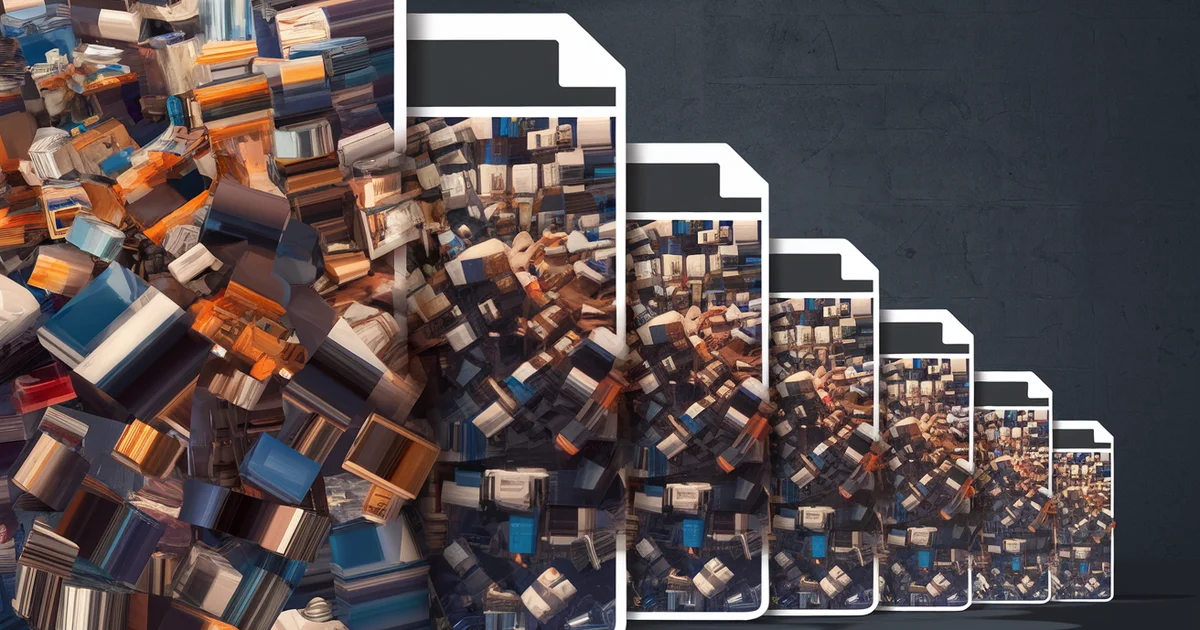
The images on your website are probably your largest files. On a typical blog, images account for 50-80% of total page weight. If those images are JPEG, they are consuming roughly twice the bandwidth they need to.
AVIF (AV1 Image File Format) is the modern image format derived from the AV1 video codec. In standardized tests, AVIF files are approximately 50% smaller than WebP and up to 90% smaller than JPEG at equivalent visual quality. The format is supported by Chrome, Firefox, Safari (16.1+), Edge, and Opera — covering over 93% of global browser usage as of early 2026.
I converted all images across our 52-site network from WebP to AVIF. Total image payload dropped by approximately 45%. Page load times improved measurably. Hosting bandwidth costs decreased. Core Web Vitals scores improved. And the implementation took a single afternoon.
Why AVIF Wins
Compression Efficiency
AVIF achieves its compression advantage through the AV1 codec's advanced features: support for higher color depth (10-bit and 12-bit), HDR, wide color gamut, and sophisticated intra-frame prediction. In practical terms, a 200KB JPEG hero image becomes approximately a 40KB AVIF file with no visible quality difference.
The Netflix Technology Blog published a detailed comparison showing AVIF producing files 50% smaller than WebP for equivalent SSIM (structural similarity) scores. For photographic content — the type most websites display — the compression advantage is even more pronounced.
Visual Quality
AVIF avoids the artifacts that plague JPEG at low bitrates — banding in gradients, ringing around edges, and blockiness in flat areas. At the file sizes where JPEG quality begins to visibly degrade, AVIF maintains smooth gradients, sharp edges, and accurate colors.
This matters for content credibility. A personal finance blog displaying charts and data visualizations needs those visuals to be crisp and accurate. Compression artifacts in a chart can make data illegible and damage trust.
Alpha Channel and Animation
AVIF supports transparency (alpha channel) and animation, making it a potential replacement for PNG (transparency) and GIF (animation) in addition to JPEG. A single format covering all three use cases simplifies your image pipeline significantly.
Implementation Strategy
Step 1: Convert Existing Images
Convert your existing JPEG and WebP images to AVIF using one of these tools:
Sharp (Node.js):
const sharp = require('sharp');
sharp('input.jpg')
  .avif({ quality: 65 })
  .toFile('output.avif');
Quality 65 is the sweet spot for most photographic content — visually indistinguishable from the original at a fraction of the file size. For data visualizations and charts, use quality 70-75 to preserve text sharpness.
Squoosh CLI:
npx @squoosh/cli --avif '{quality: 65}' input.jpg
ImageMagick:
convert input.jpg -quality 65 output.avif
Step 2: Implement Progressive Enhancement
Not all browsers support AVIF (though over 93% do). Use the HTML <picture> element to serve AVIF to compatible browsers and fall back to WebP or JPEG for others:
<picture>
  <source srcset="/images/hero.avif" type="image/avif">
  <source srcset="/images/hero.webp" type="image/webp">
  <img src="/images/hero.jpg" alt="Hero image description"
       width="1200" height="630" loading="lazy">
</picture>
The browser evaluates sources in order and uses the first format it supports. AVIF-capable browsers get the smallest file. Older browsers get WebP or JPEG. No JavaScript required. No user-agent sniffing. Pure progressive enhancement.
Step 3: Build Pipeline Integration
For static site generators, integrate AVIF conversion into your build process so every new image is automatically converted:
Eleventy Image plugin:
const Image = require("@11ty/eleventy-img");

async function imageShortcode(src, alt) {
  let metadata = await Image(src, {
    widths: [400, 800, 1200],
    formats: ["avif", "webp", "jpeg"],
    outputDir: "./_site/images/",
    urlPath: "/images/"
  });
  // Generate picture element from metadata
}
This generates AVIF, WebP, and JPEG versions at multiple widths for every image, with proper <picture> element markup. The browser selects the optimal format and size automatically.
Step 4: Responsive Images
Combine AVIF with responsive image techniques for maximum optimization:
<picture>
  <source srcset="/images/hero-400.avif 400w,
                  /images/hero-800.avif 800w,
                  /images/hero-1200.avif 1200w"
          sizes="(max-width: 600px) 400px, (max-width: 900px) 800px, 1200px"
          type="image/avif">
  <source srcset="/images/hero-400.webp 400w,
                  /images/hero-800.webp 800w,
                  /images/hero-1200.webp 1200w"
          sizes="(max-width: 600px) 400px, (max-width: 900px) 800px, 1200px"
          type="image/webp">
  <img src="/images/hero-800.jpg" alt="Description"
       width="1200" height="630" loading="lazy">
</picture>
Mobile users on 400px-wide screens get a 400px AVIF file that might be 15KB. Desktop users get a 1200px AVIF file that might be 40KB. Both see a sharp image without wasting bandwidth.
The Performance Impact
Across our 52-site network, converting from WebP to AVIF produced these results:
- Average image payload per page: reduced from 380KB to 210KB (-45%)
- Largest Contentful Paint (LCP): improved by an average of 200ms
- Total page weight: reduced by 25-35% depending on image density
- Bandwidth usage: dropped by approximately 40% across the network
These improvements translated directly to Core Web Vitals scores. Every site in the network achieved "Good" LCP scores (under 2.5 seconds) after AVIF implementation, compared to approximately 85% before.
Common Objections
"Browser support is not universal"
As of early 2026, AVIF is supported by Chrome (85+), Firefox (93+), Safari (16.1+), Edge (121+), and Opera. Combined global support exceeds 93%. The <picture> element provides automatic fallback for the remaining 7%, so no user sees a broken image.
"Encoding is slow"
AVIF encoding is slower than JPEG or WebP encoding — approximately 5-10x slower for equivalent quality. This matters for real-time processing but is irrelevant for static sites where images are encoded once during the build process. A build step that adds 30 seconds to encode images is negligible compared to the ongoing performance benefit.
"My CDN does not support AVIF"
All major CDNs (Cloudflare, Netlify, Vercel, Fastly, AWS CloudFront) support AVIF content delivery. If you use automatic format negotiation (e.g., Cloudflare Polish), the CDN can convert and serve AVIF automatically based on the browser's Accept header.
Beyond Images: AVIF for Social Sharing
When generating Open Graph images for social media sharing, AVIF is not yet supported by all social platforms. Continue generating JPEG or PNG for og:image tags. Use AVIF for on-page display only.
This is a temporary limitation. As social platforms update their image parsers, AVIF support for social sharing will follow.
The Cost Argument
For sites hosted on bandwidth-metered platforms, AVIF reduces hosting costs proportionally to the bandwidth reduction. A 40% bandwidth reduction translates to approximately 40% lower bandwidth costs.
Even on platforms with generous free tiers (Netlify, Cloudflare Pages, Vercel), AVIF keeps you within those free tiers longer as your traffic grows. A site serving 100,000 page views per month at 380KB of images per page consumes 38GB of bandwidth. At 210KB per page, that drops to 21GB — potentially the difference between a free tier and a paid plan.
Getting Started Today
- Install Sharp or Squoosh CLI
- Convert your existing images to AVIF (batch processing takes minutes)
- Update your HTML templates to use the
<picture>element with AVIF, WebP, and JPEG sources - Add AVIF conversion to your build pipeline for future images
- Verify Core Web Vitals improvements in Google Search Console
Total implementation time for a single site: 1-2 hours. For our 52-site network with shared templates: 3 hours including testing.
AVIF is not experimental. It is not future technology. It is a production-ready format supported by 93%+ of browsers that cuts your image bandwidth in half. Every day you serve JPEG images to browsers that support AVIF is a day you are wasting bandwidth and delivering slower pages than necessary.
For the complete performance optimization playbook, see The $97 Dollar Launch and The $100 Dollar Network.
